

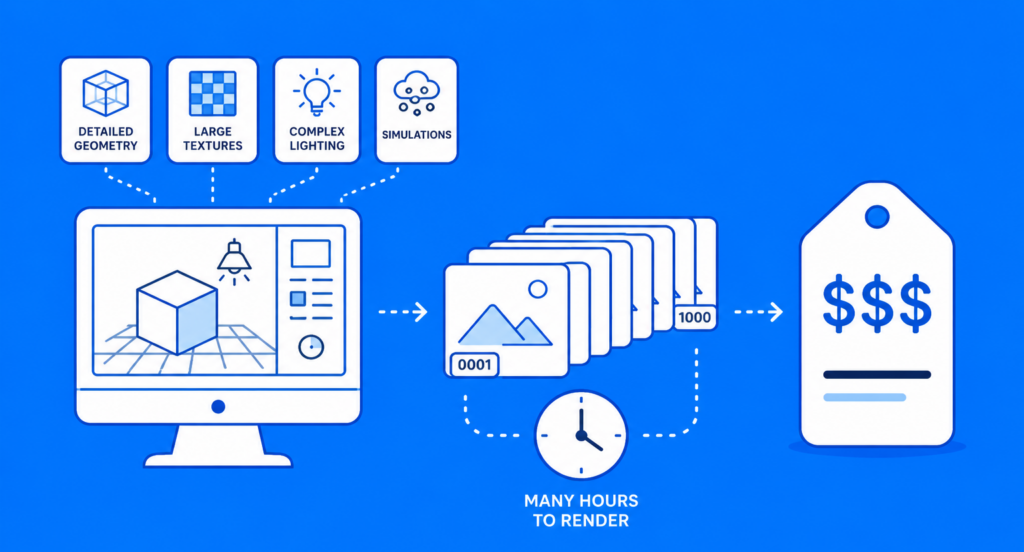
Why high end 3D production traditionally required expensive hardware
Professional 3D work can place heavy demands on processors, graphics cards, memory, and storage. Detailed geometry, large textures, complex lighting, simulations, and high resolution output can all increase the amount of computing work required to finish a scene.
The challenge becomes greater when a project moves from creating individual shots to producing hundreds or thousands of final frames. A workstation that feels responsive during modeling and animation may still need many hours to render an entire sequence.
Larger studios could build around the problem
Major studios have traditionally been able to invest in powerful workstations, render nodes, storage, networking, and technical infrastructure to handle demanding projects, while independent creators and small studios may find that level of hardware difficult to justify when extra computing power is only needed during certain stages of production.
How cloud computing changes the hardware equation
Cloud computing allows creators to access remote processing resources without handling every workload on their own machines. A render farm provides this computing capacity for demanding rendering tasks. Creators can use more resources during intensive production stages and reduce their usage when demand falls. For independent 3D artists, this means access to substantial processing power without having to purchase, maintain, and regularly upgrade the equivalent hardware themselves.
Local workstations still have an important role
Cloud computing does not replace the need for a capable local workstation. Modeling, sculpting, animation, texturing, lighting, and look development benefit from quick feedback, so artists can create and refine scenes locally before moving suitable computing intensive tasks to remote resources.
Cloud resources can handle temporary peaks
Final animation sequences, high resolution stills, large frame batches, and demanding simulations can create short periods of heavy computing demand. Cloud resources can help by distributing suitable workloads across multiple machines, allowing several parts of a job to be processed at the same time. e.
What this opens up for independent creators
Greater access to computing power does not automatically turn a small production into a large studio, but it can remove one important technical limitation. Independent teams have more options when designing projects because processing capacity can be increased without building an equally large permanent hardware setup.
Animation and VFX
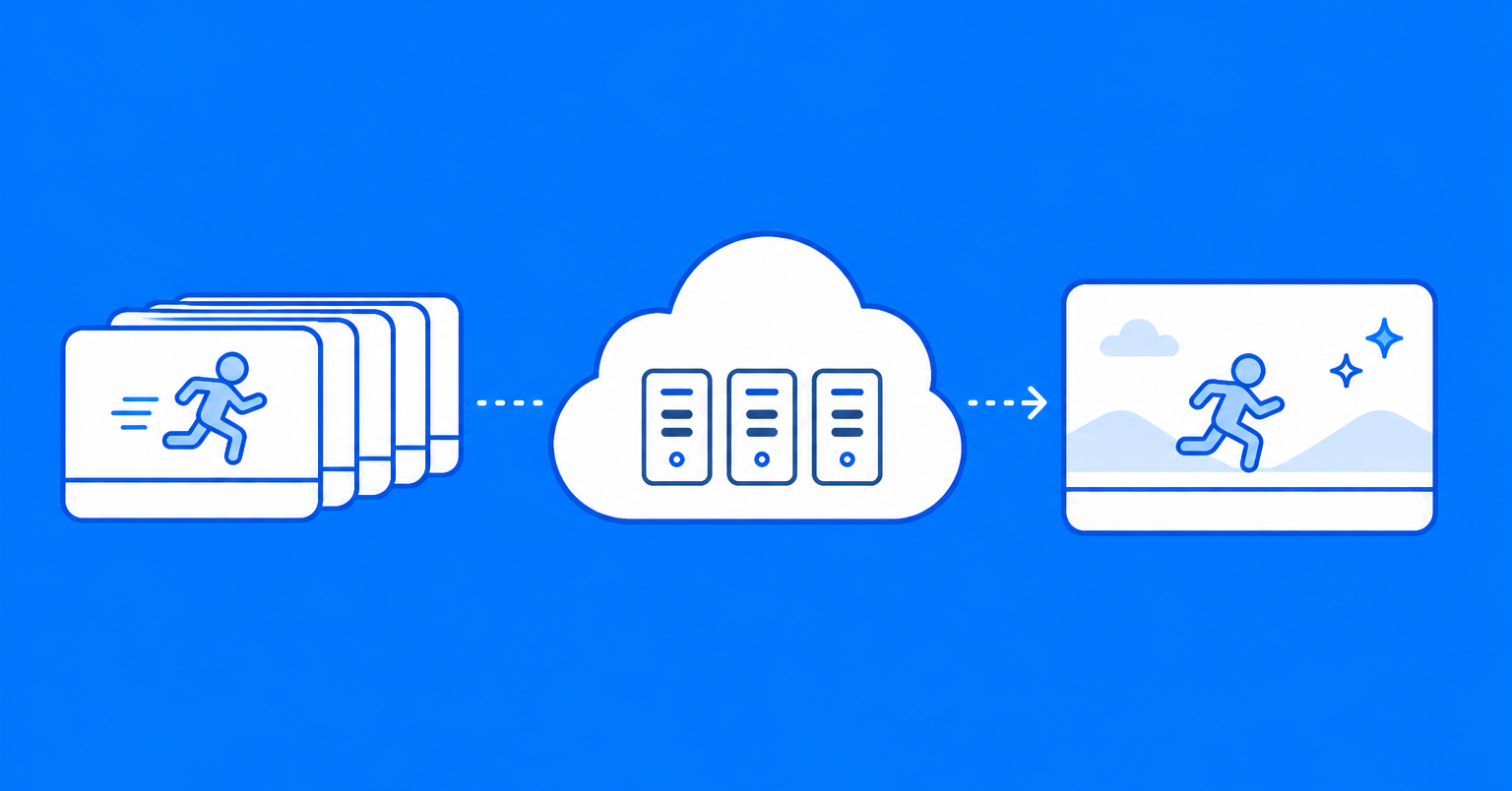
Animation projects can contain large numbers of frames, while VFX scenes may include demanding lighting, particles, volumetrics, simulations, or detailed environments. Cloud resources can help process these workloads when the final production becomes too large for the available local machines. This gives smaller teams more room to decide how ambitious a scene should be based on creative goals rather than only on how long one workstation can remain rendering.
Game cinematics
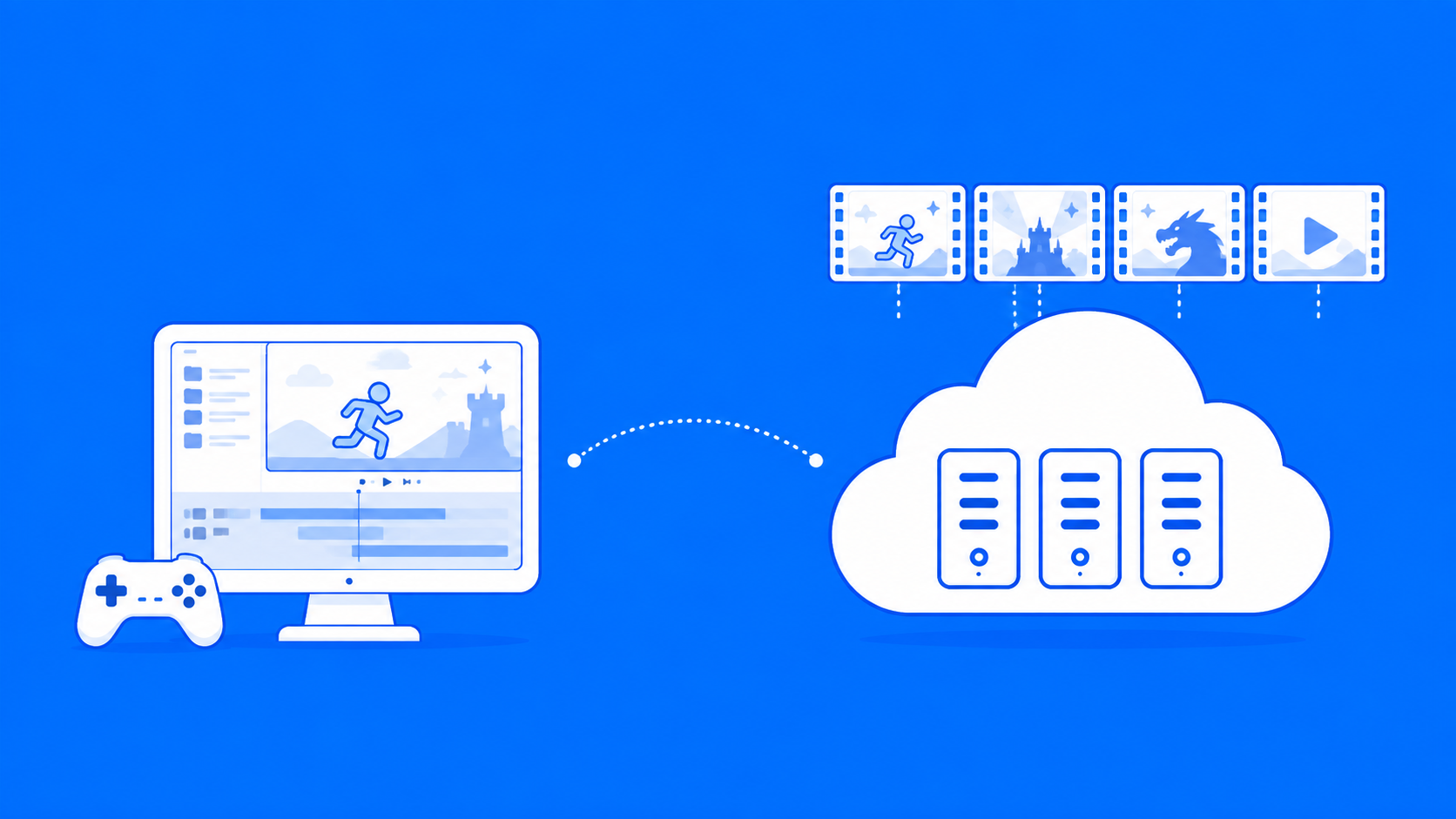
Independent game developers may need polished cinematics, trailers, promotional images, or other rendered material alongside the game itself. These assets can require significantly different computing resources from normal development work. Temporary cloud capacity can handle those rendering peaks while local machines remain available for editing, testing, and other production tasks.
Architectural visualization and product design
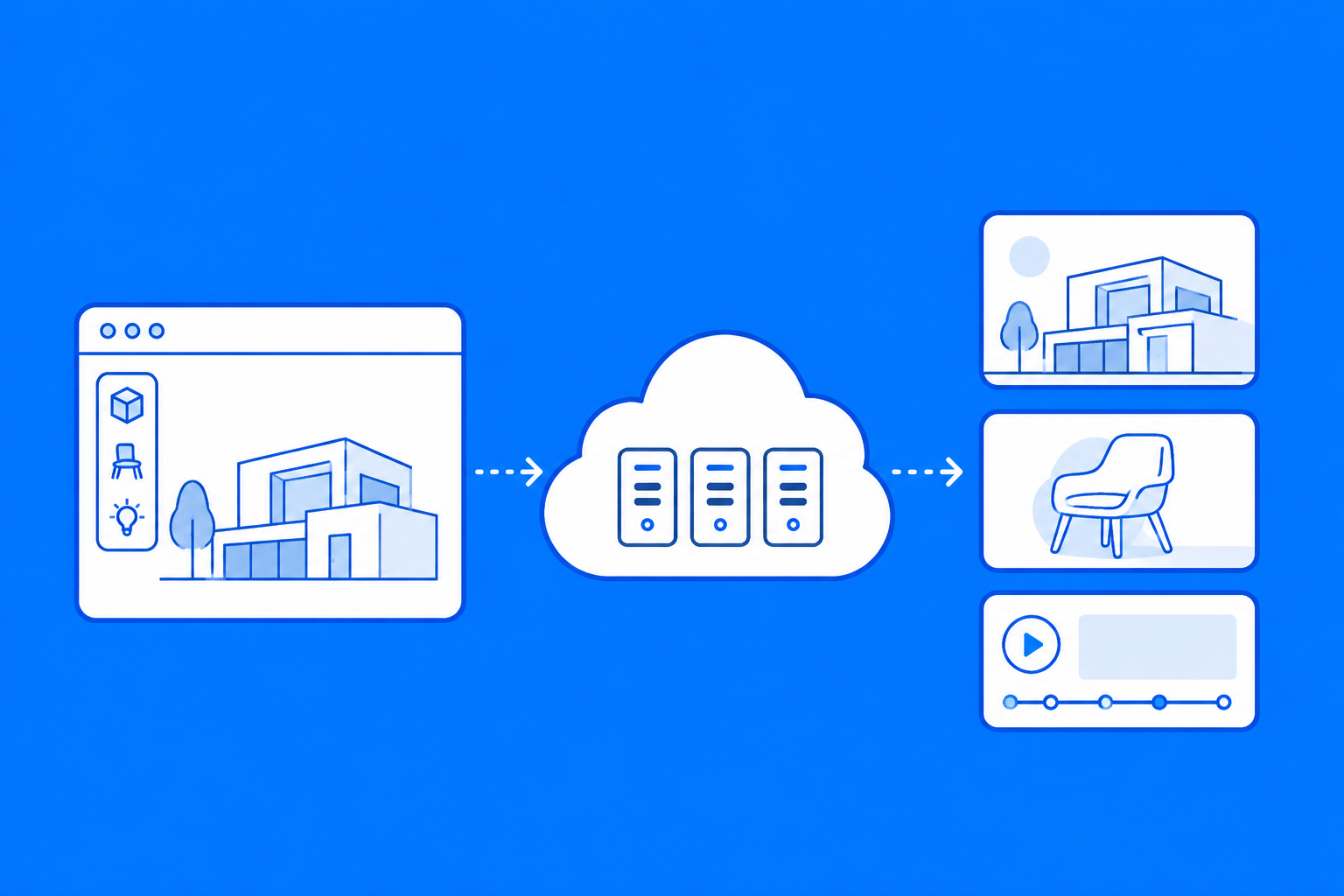
Architectural visualization artists frequently produce high resolution stills, multiple camera angles, animations, and client revisions. Product designers may face similar demands when creating polished marketing images, variations, or animated presentations. Cloud computing gives both types of creators a way to increase rendering capacity during larger deliveries without purchasing new hardware for every increase in workload.
Cost changes when computing becomes flexible
Cloud computing can reduce the need for large upfront hardware purchases, but that does not mean every cloud workload will automatically cost less. The financial advantage depends on how often additional computing resources are required and how efficiently they are used.
Creators can compare the cost of purchasing, powering, cooling, maintaining, and eventually replacing hardware with the cost of using remote resources when required. For studios with irregular workloads, temporary computing capacity can be especially useful because expenses can follow active projects more closely.
Poor preparation can increase costs
Cloud resources still consume time and money while jobs are running. Incorrect render settings, unnecessarily high sample counts, missing assets, repeated submissions, or poorly optimized scenes can increase usage quickly.
Testing representative frames locally before submitting a large sequence can catch many problems early. A short test can confirm that assets, lighting, output settings, plugins, and render results behave as expected before additional resources are committed.
Workflow preparation matters
Moving computing work away from the local workstation introduces additional steps. A scene needs to arrive with the files, settings, software, and dependencies required to process it correctly.
File transfers need to be considered
3D scenes can contain large texture libraries, geometry, simulation caches, image sequences, and other assets. Upload and download speeds can therefore become part of the production schedule. A well organized project can make transfers easier. Keeping required assets together and removing unnecessary files can reduce the amount of data that needs to move between systems.
Software compatibility needs to be checked
The remote environment needs to support the required 3D application, renderer, plugins, scripts, and other dependencies. Version differences can also affect how a scene behaves. Checking compatibility before a deadline helps avoid discovering that an essential plugin or workflow component cannot be used after the project has already been prepared for remote processing.
Security still matters
Studios working with confidential client projects, unreleased products, films, or commercial designs need to understand how their files are transferred and stored. Access controls, storage practices, data retention, account security, and project deletion policies are worth reviewing before sensitive production assets are uploaded to any external platform.
Where AI assisted tools fit into modern 3D production
AI assisted tools are becoming another part of some 3D workflows. Denoising can help clean rendered images, upscaling can increase output resolution, and AI assisted selection, masking, and image editing tools can reduce repetitive work during compositing and post production.
Some AI workloads can also require substantial GPU resources, which creates another use for scalable cloud computing. These tools still depend on the surrounding creative workflow. Modeling, animation, lighting, composition, art direction, editing, and storytelling remain decisions that require skilled artists.
When cloud computing makes the most sense
Cloud computing becomes especially useful when the required computing power temporarily exceeds what is available locally. A long animation, demanding final render, complex simulation, large client delivery, or short deadline can all create situations where additional resources have practical value.
Smaller projects may still be easier to complete locally. If a workstation already handles the workload comfortably, transferring files and preparing a remote job can add unnecessary steps. The right choice depends on the project rather than assuming that every task should move to the cloud.
Final thoughts: High end production is becoming less dependent on hardware ownership
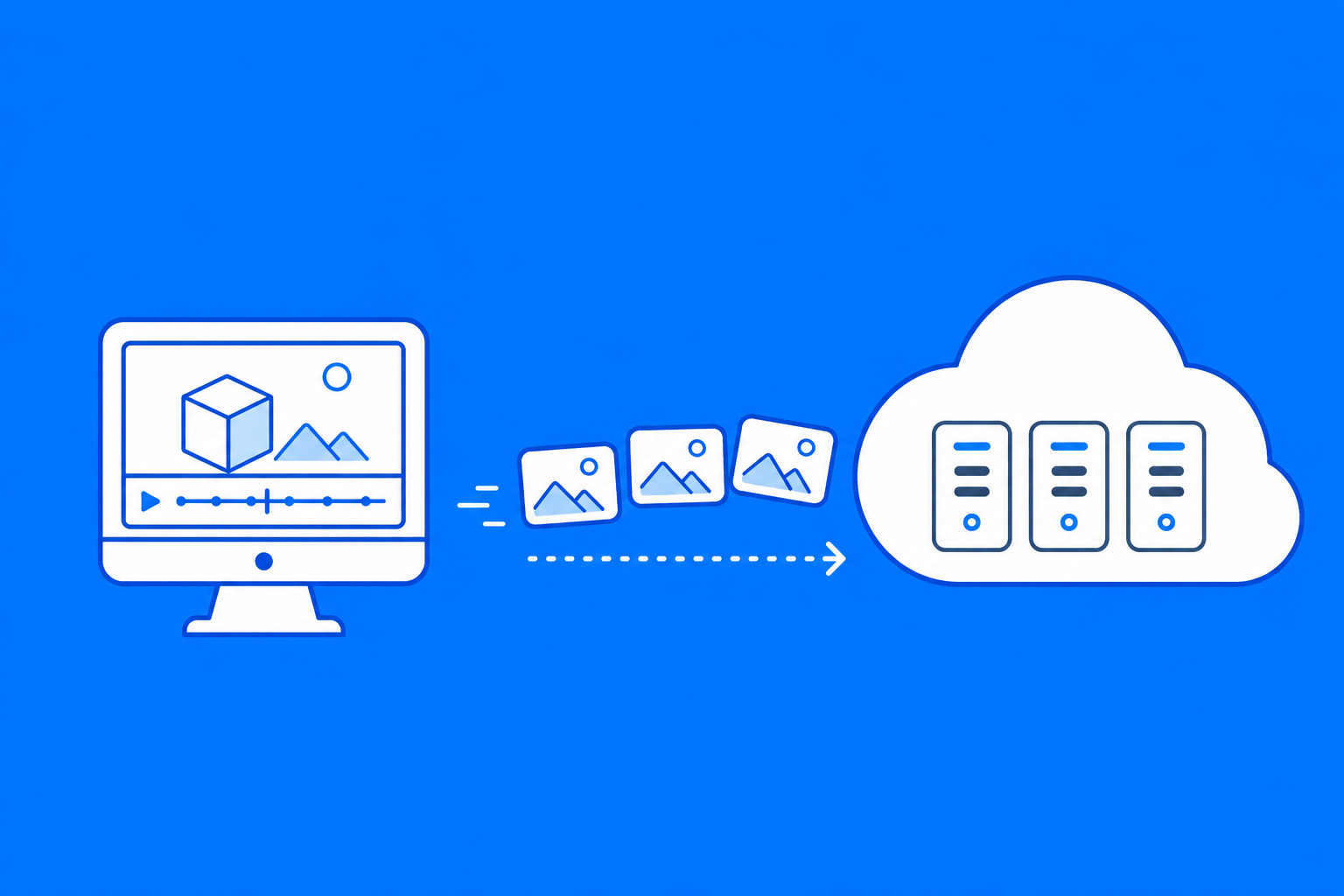
Large studios still have advantages in staffing, infrastructure, budgets, and production capacity, but cloud computing reduces how much hardware independent creators need to own. Smaller teams can work locally, then access additional computing power when projects become more demanding, making ambitious animation, VFX, visualization, cinematics, and design work more practical without maintaining permanent high end infrastructure.