

AI-powered photo animation has exploded in popularity over the past few years. What once required expensive studios and manual rotoscoping now runs in seconds on consumer hardware. Models keep getting better. Motion looks more natural. The technology still has limits, though. Quality varies a lot between tools.
The problem is that most people don’t realize how much input quality matters. Garbage in, garbage out still applies here. Some tools try to fix your photo before animating it. Others don’t bother. Below, we compare three popular options: Renew Photo, MyHeritage, and PixTuner.
1. Renew Photo
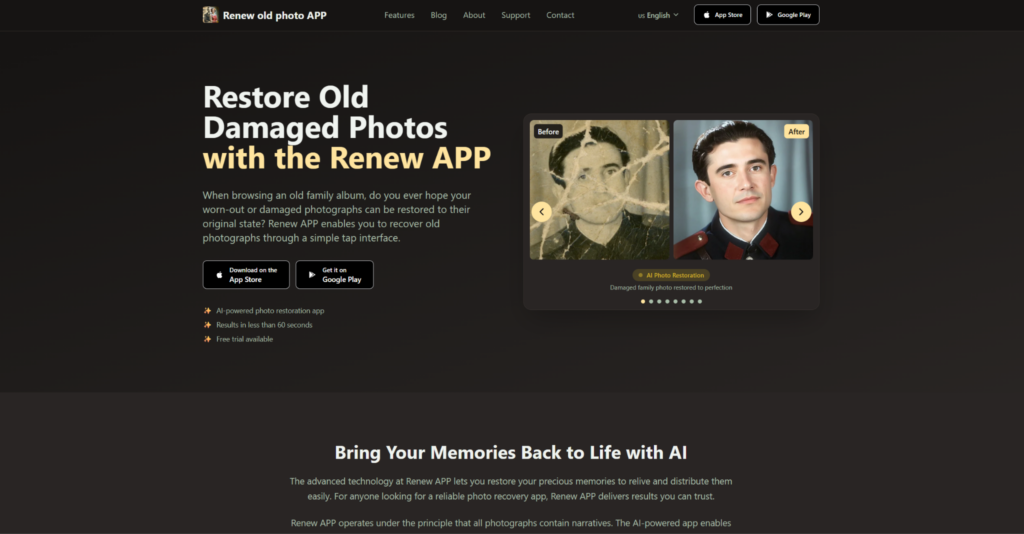
Renew Photo takes a different approach than most animation tools. It starts with restoration before generating any motion. The platform functions as a photo restoration app first and an animation tool second. That order of operations matters more than you’d think.
The logic is simple. Clean photos animate better. Scratches, blur, and low resolution throw off motion models. Renew Photo fixes these issues upfront. The result is more stable and looks less artificial. Processing takes a bit longer, but the tradeoff is worth it.
Restoration before animation gives this tool a clear advantage. Most competitors skip this step entirely. They try to animate noisy, damaged photos and the results show it. A full preprocessing pipeline makes a noticeable difference.
Core features include:
- AI-powered restoration before animation;
- Natural motion generation without artifacts;
- Simple interface that doesn’t require tutorials;
- Stable output quality across different photo types;
- Fast processing relative to restoration complexity.
For anyone who cares about final quality, this approach wins.
2. MyHeritage

MyHeritage became famous for its Deep Nostalgia feature. The tool went viral when people started animating old family photos. It’s incredibly easy to use. Upload a photo. Pick a motion template. Wait a few seconds. Done.
But simplicity comes with tradeoffs. MyHeritage doesn’t restore your photos before animating them. It works best with clean, well-lit portraits. Anything damaged or low-resolution produces weird results. The motion templates are also limited. You don’t get fine control over expressions or timing.
This tool is great for quick experiments and sharing on social media. But don’t expect professional-grade output. The platform prioritizes speed and ease of use over quality. For casual users, that’s fine. For anyone serious about results, it’s frustrating.
Main features include:
- Quick animation with minimal waiting;
- Easy upload process that anyone can use;
- Template-based motion with limited variety;
- Focus on portrait photos specifically;
- Limited restoration or preprocessing of images.
MyHeritage works for basic use cases but won’t satisfy demanding users.
3. PixTuner
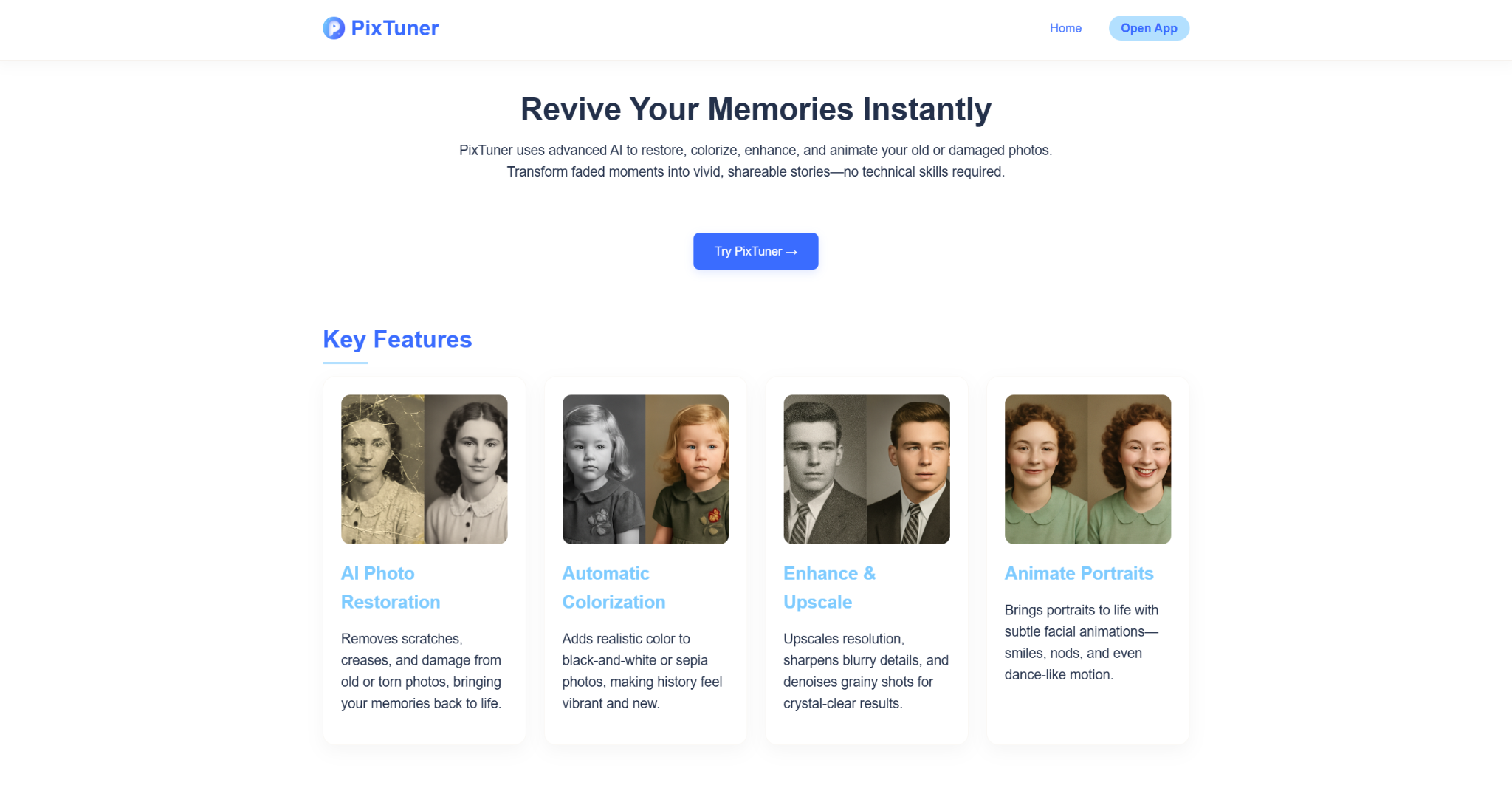
PixTuner markets itself as a tool for effects and fast animation. The platform offers a bunch of filters and motion styles. Processing is quick. The interface is straightforward.
The downsides are significant, though. Image preprocessing is weak. The tool doesn’t fix damage or improve resolution before animating. Results vary wildly depending on input quality. Some outputs look decent. Others are straight-up creepy or glitchy. You have little control over the final motion.
This tool feels like it was built for experimentation, not serious work. The effects are fun to play with. But for producing consistent, high-quality animations, it falls short. If you just want to mess around with family photos, give it a shot. Just don’t expect miracles.
What the tool offers:
- Basic animation tools with limited controls;
- Fast processing for quick turnaround;
- Limited control over motion output;
- Focus on visual effects over realism;
- No restoration features before animation.
PixTuner is fine for casual experimentation but not for quality-focused work.
Comparison and Final Verdict
Each tool takes a different path to generating motion. Renew Photo restores first, then animates. MyHeritage animates quickly but doesn’t fix anything. PixTuner focuses on effects without addressing input quality. The differences show up clearly in the final output.
Why does Renew Photo produce better results? Because garbage in, garbage out is real. Animation models struggle with damaged, low-resolution photos. Fixing those issues before generating motion gives the AI cleaner data to work with. The others skip this step and pay for it.
Key differences across the three tools include:
- Renew Photo combines restoration and animation in one pipeline.
- MyHeritage focuses on simple, template-based animation.
- PixTuner prioritizes visual effects over motion quality.
- Output quality depends heavily on preprocessing in all tools.
- Consistency differs significantly across the three platforms.
Renew Photo delivers the best overall results. The restoration step makes a real difference.
How to Choose the Right Photo Animation Tool
Choosing between these tools isn’t just about features. It depends on what kind of photos you’re working with and what result you expect. A tool that works well for social media content might fail completely when applied to old or damaged images. That’s why it helps to focus on a few practical factors before making a choice.
Before picking a tool, consider the following:
- Quality of the original photo and whether restoration is needed;
- Level of control you want over motion and expressions;
- Speed versus output quality tradeoffs;
- Type of use case, such as casual sharing or more polished results;
- Consistency of results across different images.
If your photos are clean and you just want quick results, simpler tools will do the job. But if you’re working with older or imperfect images, preprocessing becomes critical. In that case, tools that combine restoration and animation will give you more reliable results.
Final Thoughts
Choosing the right animation tool depends on what you’re trying to accomplish. Casual social media posts don’t need restoration. Old, damaged family photos absolutely do. Renew Photo gives you the full pipeline: fix the image first, then animate it cleanly. MyHeritage is fine for quick experiments with good source material. PixTuner works for effects but not for quality. The real lesson here is that preprocessing matters. Clean inputs produce clean outputs. Start with restoration, then animate. You’ll save yourself a lot of disappointment.