

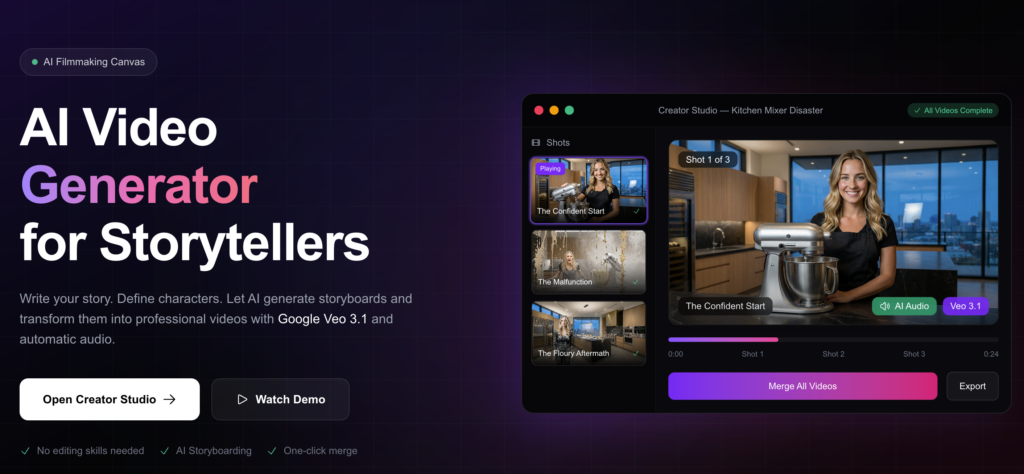
AI video makers can produce professional-quality videos with minimal technical knowledge or expensive video equipment.
Most of them can create visual images, voice-overs, and edit videos using algorithms based on text prompts, scripts, or templates.
To help maximize output quality, efficiency, and audience impact through optimization techniques, there are simplified options available for beginners and professionals, such as Socialaf.ai.
Understand Core Features First
Start by exploring the foundational capabilities of AI Video Maker platforms, such as text-to-video conversion and automated editing.
The systems cleverly build scenes and adds transitions and audio cues based on input prompts, making them accessible to inexperienced users.
Learn the basics to make your videos easier and of better quality.
Try prompt engineering too, using detailed descriptions of your subject, cameras, and settings for accuracy.
For example, specifying style, pace, and tone in inputs sets a favored aesthetic for the model, which is a best practice for performance.
Key Starting Points
- Familiarize yourself with scene generation from simple scripts.
- Test basic templates to grasp customization limits.
- Practice short clips to build confidence quickly.
Optimize Prompts for Stunning Results
Writing good prompts, with descriptive instructions and main elements such as action, camera angle, and mood in mind, is the first step to help improve the output of an AI video maker.
Instead of vague overviews, break down complex ideas into structured, layered scene inputs.
For the AI engine to understand what is being asked of it, using more natural, conversational phrasing makes it less likely to go through too many iterations, while remaining specific enough to provide a useful creative framework for the final output.
Prompt Refinement Tips
- Specify lighting and color schemes for professional polish.
- Define duration and pacing to match platform requirements.
- Layer audio cues like background music or narration styles.
Integrate Blog Content Seamlessly
With the help of AI video maker tools, blog posts can be transformed into videos.
Key information can be extracted for the script based on section headlines and summary sentences of the blog.
The strategy builds on this process by adapting the text for the images.
Select visuals to suit your text.
Automatically match and overlay scenes on text to save hours of manual effort and increase viewer retention.
Since these videos of text dominate viewership, they are the choice of format for multi-format content strategies.
Boost Engagement with Voice and Audio
Optimize voiceover settings in AI video creation.
Choose tones matching your audience’s preferences.
Use energizing tones in tutorials and calming tones in explainers.
The right voice improves retention rates.
They were paired with corresponding sound effects for immersion.
Test multi-language support to reach a global audience with no additional production effort.
Ensure that audio quality is reasonable, as viewers often use audio quality as a measure of professionalism.
Active A/B testing determines which voice styles are best for which types of content.
Audio Enhancement Steps
- Choose voices matching audience demographics.
- Layer subtle effects for depth.
- Test playback on multiple devices.
Customize Visual Styles Effectively
Brand your AI video maker templates with your own colors, fonts, and animations. Upload your images and mood boards as references so you don’t need to settle on generic defaults.
This differentiation of content is necessary in crowded feeds. Motion graphics can turn data into animated charts for data-heavy topics, plus simple animations, such as parallax scrolling, can support the narrative without distraction. Consistent style keeps channels’ audiences coming back throughout time.
Streamline Editing Workflows
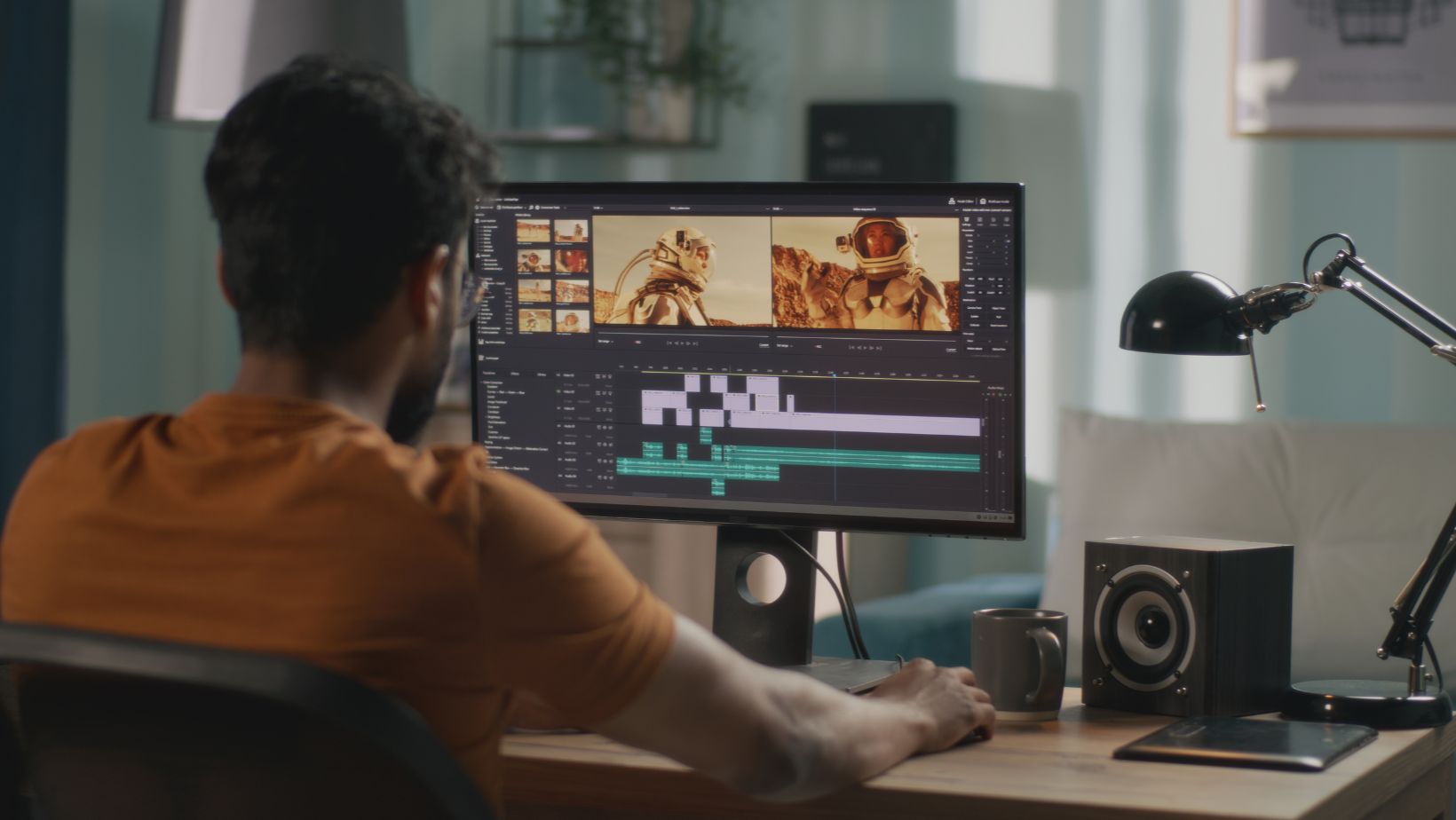
Trim, rearrange, and polish content via AI video maker editors.
Trim pauses and eliminate inconsequential elements to optimize pacing to stay within optimal time frames for viewer retention.
Busy creators can bulk-process multiple video projects quickly, enabling larger-scale production.
AI-assisted cut and effect suggestions should be taken as starting points, and manual adjustment is often required to achieve the artistic vision while ensuring faster rendering.
Workflows improve content creation efficiency and free time for ideation.
Workflow Optimization Hacks
- Set up keyboard shortcuts for frequent actions.
- Use undo history extensively during experiments.
- Export in multiple formats upfront.
Enhance SEO Through Video Optimization
Content generated by AI video makers benefits from keyword use in titles, descriptions, and tags, as well as from formatting metadata to improve algorithmic recommendations.
Transcripts improve accessibility and search indexing and improve discoverability on different platforms.
Embed calls-to-action to generate interactions that improve visibility metrics, and regularly review analytics to pursue further improvement.
Videos from text-based sources, designed for SEO, are often more informative and accessible.
Scale Production for Marketing Needs
Use batch creation modes in AI video makers to generate videos based on outlines or a calendar.
Pre-plan themes to coincide with trends or seasonal campaigns.
This scalability helps prevent marketing team members from becoming burned out.
Re-use single assets in multiple formats (for example, long-forms to shorts) and prioritize rendering automation to enable strategy and distribution time.
Creators say that smart scaling enables them to double their output without doubling labor.
Measure and Iterate Performance
Monitor watch time, shares, and conversions from video views to measure the success of the video maker’s efforts. Identify common attributes, such as video length and style, of videos with above-average performance to improve future projects.
Data-driven adjustments ensure continuous improvement.
Use audience comment feedback loops on prompts and edits to experiment and adapt, especially when integration with analytics systems and support for iterative testing can compound gains and overall performance.
Metrics to Prioritize
- Average view duration as a quality indicator.
- Share rates for viral potential.
- Click-through on embedded actions.
Advanced Techniques for Pros
APIs allow you to integrate other AI video maker features into your app or business workflows, generating videos dynamically based on user information.
AI video maker solutions can allow you to go from proof of concept to enterprise solutions.
You can also create hybrid pipelines by integrating other AI tools, such as generating scripts.
These are used by pros to make personalized content at scale for outsized returns.
Consider using real-time rendering for live or interactive events and experiences.
Common Pitfalls to Avoid
Do not overly rely on defaults, as they can yield bland content. Always preview and iterate to catch mismatches such as the AI producing an incorrect visual.
Balance automation with human oversight for a genuine touch.
Adhere to platform guidelines and adapt resolutions and formats.
Avoid overlooking mobile previews as they can lead to subpar user experiences.
Most issues can be avoided through awareness, saving time.
Future-Proof Your Skills
Emerging trends include staying up to date with AI video maker features, increased support of multimodal inputs like image-plus-text, and experimenting with beta features like collaborative video creation and advanced rendering.
Lifelong adaptation ensures creators keep pace in dynamic fields.
Communities foster hands-on learning.
By developing skills ahead of time and building tools that become extensions of one’s creativity, productivity flourishes.